
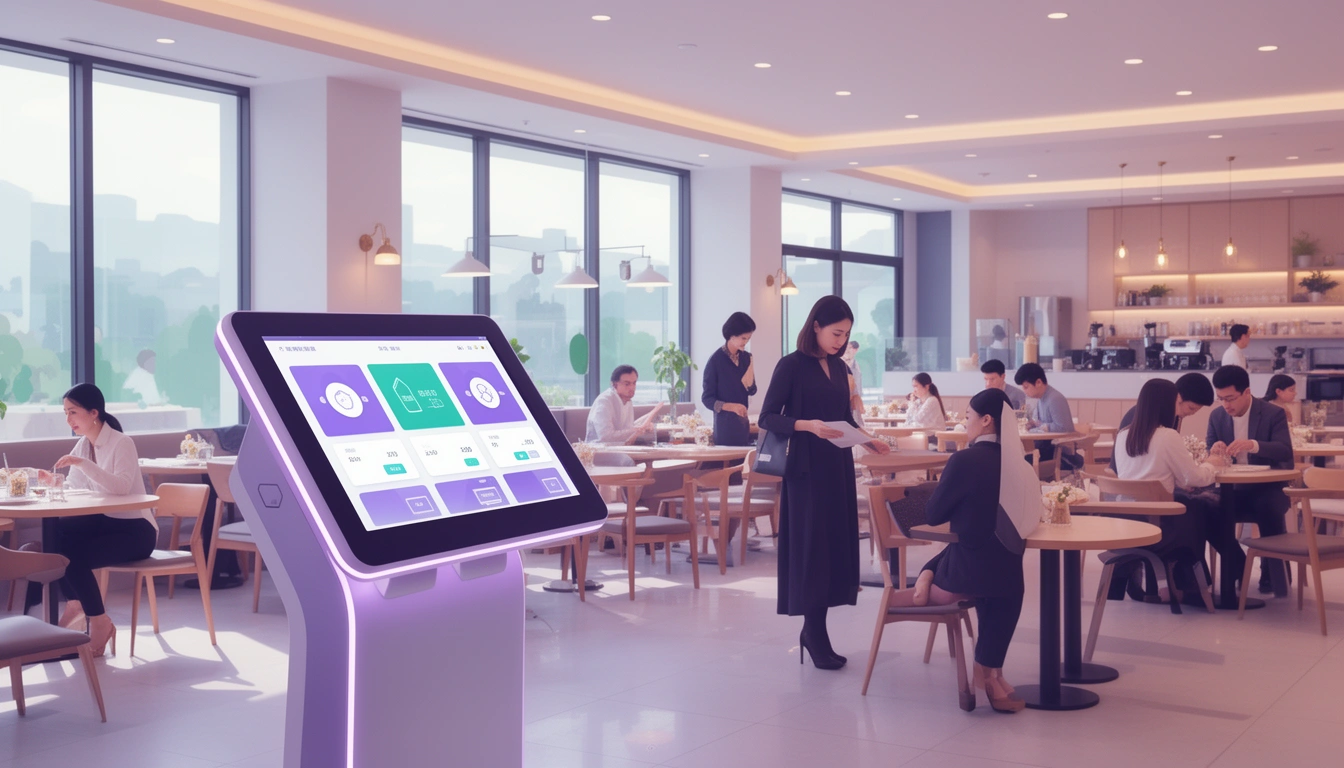
The restaurant industry is experiencing a digital revolution, and order machines are at the forefront of this transformation. These self-service kiosks are changing how customers interact with restaurants, reducing wait times, and improving operational efficiency. Whether you run a quick-service restaurant, café, or food court establishment, understanding order machines can help you make informed decisions about modernizing your business.
What Are Restaurant Order Machines?
Restaurant order machines, also known as self-service kiosks, are digital terminals that allow customers to browse menus, customize orders, and complete payments without direct staff interaction. These touchscreen devices have become increasingly popular in fast-food chains, casual dining establishments, and food courts worldwide.
Modern order machines integrate seamlessly with kitchen display systems and point-of-sale software, creating a streamlined ordering process that benefits both customers and restaurant operators. As part of a comprehensive online ordering system for small businesses, these machines represent a significant investment in customer experience and operational efficiency.
Key Benefits of Order Machines for Restaurants
1. Increased Order Accuracy
One of the most significant advantages of order machines is the dramatic reduction in order errors. When customers input their own orders, they can review and confirm every detail before submitting. This eliminates miscommunication between customers and staff, resulting in fewer remakes and happier customers.
2. Higher Average Order Values
Studies consistently show that customers spend 15-30% more when ordering through kiosks compared to traditional counter service. The machines can strategically suggest add-ons, upsells, and complementary items without the pressure or awkwardness of a face-to-face interaction. Customers take more time to explore menu options and are more likely to customize their orders.
3. Reduced Labor Costs
While order machines don't replace staff entirely, they allow you to optimize your workforce. Staff members can focus on food preparation, customer service, and handling complex requests rather than taking routine orders. This redistribution of labor often leads to better service quality and reduced labor costs during peak hours.
4. Shorter Wait Times
Multiple kiosks can process orders simultaneously, dramatically reducing queue times during busy periods. This improved efficiency leads to higher customer satisfaction and the ability to serve more customers during peak hours without additional staff.
5. Enhanced Customer Experience
Modern consumers, particularly younger demographics, prefer self-service options. Order machines provide privacy for customization, eliminate language barriers through visual menus, and allow customers to order at their own pace without feeling rushed.
Types of Restaurant Order Machines
Countertop Kiosks
These compact devices sit on counters or tables and are ideal for smaller establishments with limited floor space. They're perfect for cafes, bakeries, and quick-service restaurants looking to add self-service capabilities without major renovations.
Floor-Standing Kiosks
The most common type in fast-food restaurants, these free-standing units are highly visible and can accommodate multiple users simultaneously. They typically feature large touchscreens (22-32 inches) and integrated payment systems.
Tablet-Based Systems
Similar to a tablet ordering system, these lightweight solutions use commercial-grade tablets mounted on stands. They're cost-effective and easily movable, making them suitable for restaurants that need flexibility.
Wall-Mounted Kiosks
These space-saving options mount directly to walls and work well in establishments with limited floor space but available wall areas. They're common in food courts and cafeteria settings.
Essential Features to Look For
User-Friendly Interface
The kiosk interface should be intuitive and easy to navigate, even for first-time users. Look for systems with clear categories, high-quality images, and simple navigation buttons. The ordering process should be completable in under two minutes.
Payment Integration
Modern order machines should accept multiple payment methods including credit cards, debit cards, mobile payments (Apple Pay, Google Pay), and contactless payments. Some advanced systems also integrate with loyalty programs and gift cards.
Menu Customization
Your kiosk should easily handle menu modifications, special requests, and dietary preferences. Customers should be able to add or remove ingredients, select portion sizes, and include special instructions without confusion.
Real-Time Menu Updates
The ability to update menus, prices, and item availability in real-time is crucial. This prevents customers from ordering items that are out of stock and ensures pricing accuracy across all ordering channels.
Kitchen Integration
Orders should transmit directly to your kitchen display system, eliminating the need for staff to manually input kiosk orders. This integration reduces errors and speeds up order fulfillment.
Multi-Language Support
In diverse markets, offering multiple language options can significantly improve accessibility and customer satisfaction. This feature is particularly valuable in tourist areas or multicultural neighborhoods.
Cost Considerations
Initial Investment
Restaurant order machines typically range from $2,000 to $10,000 per unit, depending on features, screen size, and customization. Floor-standing kiosks with integrated payment systems tend to be on the higher end, while tablet-based solutions are more affordable.
Software Licensing
Most kiosk systems require monthly or annual software licenses, ranging from $50 to $200 per kiosk. Some providers offer all-in-one pricing that includes hardware, software, and support.
Installation and Integration
Professional installation and integration with existing POS systems can cost $500 to $2,000 per kiosk. Factor in potential electrical work, networking infrastructure, and staff training costs.
Maintenance and Support
Budget for ongoing maintenance, software updates, and technical support. Many providers offer service packages ranging from $50 to $150 per month per kiosk.
Digital Eatery's Approach to Self-Service Ordering
While standalone order machines offer significant benefits, Digital Eatery provides a more flexible and cost-effective alternative through its comprehensive digital food ordering system. Instead of investing thousands in dedicated hardware, restaurants can transform existing tablets or smartphones into powerful ordering stations.
Digital Eatery's platform offers all the benefits of traditional order machines while providing additional advantages like mobile ordering, delivery integration, and seamless online ordering capabilities. Small and medium-sized restaurants can implement self-service ordering without the hefty upfront investment of traditional kiosks.
Implementation Best Practices
Strategic Placement
Position kiosks where customers naturally queue, ensuring they're visible but don't block traffic flow. Consider sight lines, accessibility requirements, and proximity to pickup counters.
Staff Training
Train your team to assist customers with kiosk ordering, especially during the initial rollout. Having staff available to answer questions and troubleshoot issues will ensure a smooth transition.
Maintain Traditional Ordering Options
Don't eliminate counter service entirely. Some customers prefer human interaction, and complex orders or special situations may require staff assistance.
Regular Maintenance
Keep screens clean, ensure payment systems are functioning properly, and address technical issues promptly. A malfunctioning kiosk creates negative customer experiences and bottlenecks.
Monitor Performance Metrics
Track key metrics like kiosk usage rates, average order values, order times, and customer feedback. Use this data to optimize your kiosk strategy and menu presentation.
Common Challenges and Solutions
Customer Adoption Resistance
Some customers may hesitate to use self-service kiosks. Address this by offering incentives for kiosk orders, maintaining visible staff support, and designing an exceptionally user-friendly interface.
Technical Issues
Hardware failures and software glitches can disrupt service. Maintain backup systems, establish relationships with reliable technical support providers, and have contingency plans for kiosk downtime.
Integration Complications
Ensuring seamless integration between kiosks, POS systems, and kitchen displays can be challenging. Choose providers with proven integration capabilities and comprehensive technical support.
Future Trends in Restaurant Order Machines
The technology continues to evolve with innovations like AI-powered menu recommendations, facial recognition for loyalty program integration, voice ordering capabilities, and augmented reality menu visualization. Contactless and hygienic design features have become standard following recent health concerns.
As we move through 2026, expect to see more restaurants adopting hybrid models that combine physical kiosks with mobile ordering and contactless menu ordering options, providing customers with maximum flexibility.
Conclusion
Restaurant order machines represent a significant opportunity to improve efficiency, increase revenue, and enhance customer experience. While the initial investment can be substantial, the long-term benefits often justify the costs, especially for high-volume establishments.
For small and medium-sized restaurants, platforms like Digital Eatery offer the functionality of traditional order machines without the prohibitive costs, making self-service ordering accessible to businesses of all sizes. Whether you choose dedicated kiosks or flexible digital solutions, embracing self-service technology positions your restaurant for success in the increasingly digital dining landscape of 2026 and beyond.