
Contactless menu ordering has transformed from a pandemic necessity to a permanent fixture in modern restaurants. As we navigate through 2026, this technology continues to evolve, offering restaurants unprecedented opportunities to enhance customer experience while streamlining operations. Whether you're running a small café or a multi-location restaurant, understanding contactless menu ordering is essential for staying competitive.
What Is Contactless Menu Ordering?
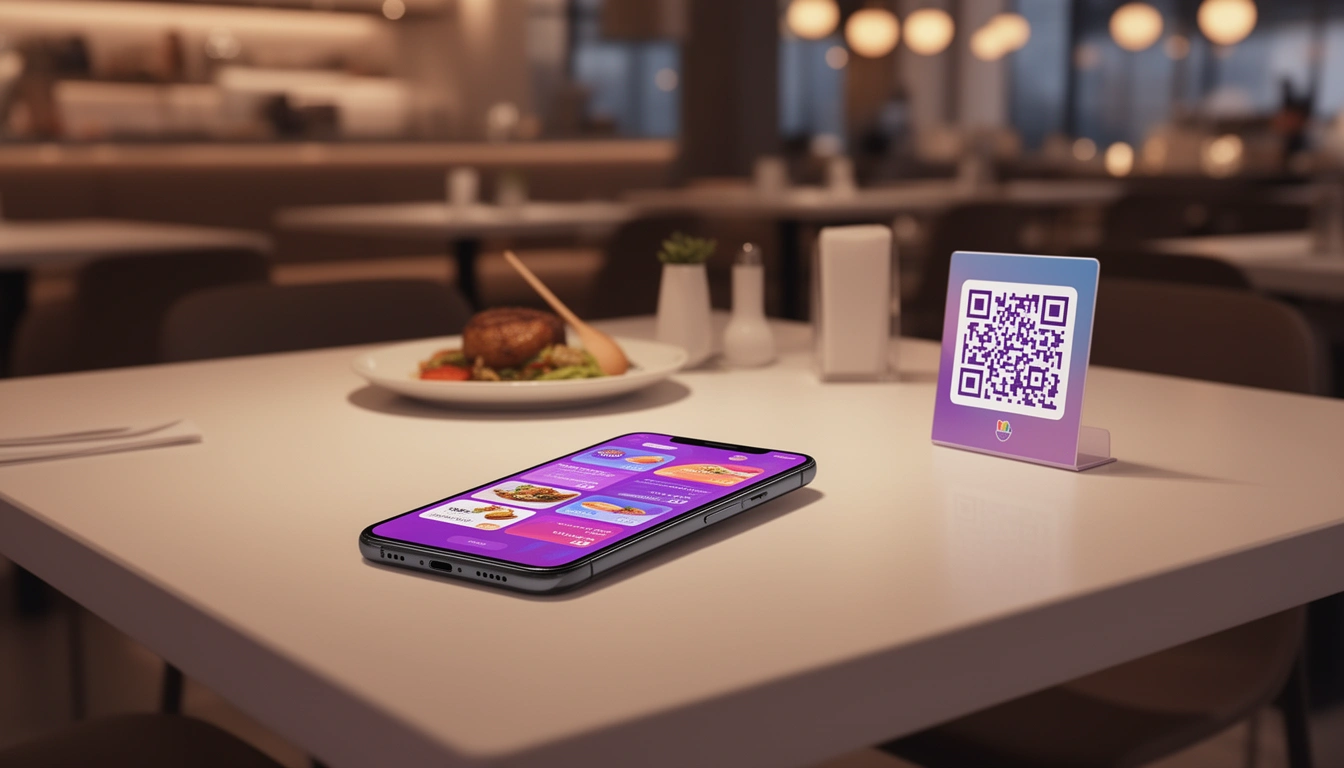
Contactless menu ordering allows customers to browse menus, customize their orders, and place requests directly from their smartphones without physical menus or face-to-face interaction with staff. Customers typically scan a QR code at their table, which opens a digital menu on their device, enabling them to order and pay seamlessly.
This technology integrates perfectly with comprehensive online ordering systems, creating a unified digital experience across all customer touchpoints.
Key Benefits of Contactless Menu Ordering
Enhanced Customer Experience
Modern diners expect speed and convenience. Contactless ordering eliminates wait times for servers to take orders, allowing customers to browse at their own pace and place orders whenever they're ready. They can easily filter menu items by dietary preferences, view high-quality images, and read detailed descriptions without feeling rushed.
Increased Order Accuracy
When customers input their own orders, miscommunication errors vanish. Special instructions, dietary restrictions, and customizations are captured exactly as intended, reducing food waste and improving customer satisfaction.
Higher Average Order Values
Digital menus can strategically suggest add-ons, upgrades, and complementary items. Without the pressure of keeping a server waiting, customers tend to explore more options and add extras to their orders. Studies show that contactless ordering can increase average ticket sizes by 15-30%.
Operational Efficiency
Staff can focus on food preparation, delivery, and customer service rather than order-taking. This is particularly valuable during peak hours when every second counts. Combined with a waiter calling system, you create a perfectly balanced service model where customers have autonomy but can still request assistance when needed.
Essential Features of Effective Contactless Menu Systems
QR Code Integration
QR codes should be strategically placed on tables, at entrances, and even on outdoor seating areas. The scanning experience must be instant, loading the menu within seconds without requiring app downloads or account creation.
Mobile-Optimized Design
Your digital menu must be responsive and visually appealing on all device types. High-quality food photography, clear pricing, and intuitive navigation are non-negotiable. The interface should be simple enough for first-time users yet powerful enough for complex customizations.
Real-Time Menu Updates
Running out of a popular dish? Update your digital menu instantly across all customer devices. This prevents disappointment and reduces the burden on staff to communicate availability issues.
Customization Options
Customers should be able to modify dishes easily adjusting spice levels, removing ingredients, or adding extras. Each modification should be clearly reflected in the price, maintaining transparency.
Integrated Payment Processing
The best contactless ordering systems allow customers to pay directly from their devices, eliminating the need to wait for bills. This speeds up table turnover while giving customers complete control over their dining timeline.
Implementing Contactless Menu Ordering in Your Restaurant
Step 1: Choose the Right Platform
Select a system that integrates with your existing restaurant billing software and POS system. Digital Eatery offers seamless integration, ensuring orders flow directly to your kitchen without manual entry.
Step 2: Design Your Digital Menu
Invest time in creating compelling menu descriptions and capturing quality photos. Organize items into logical categories and ensure your most profitable dishes are prominently featured. Consider seasonal variations and special promotions.
Step 3: Generate and Place QR Codes
Create durable, weather-resistant QR code placards for tables. Consider creating unique codes for different areas to track which sections generate the most orders.
Step 4: Train Your Staff
While contactless ordering reduces staff involvement in order-taking, your team needs to understand how the system works. They should be able to assist customers who are unfamiliar with the technology and monitor orders coming through the system.
Step 5: Promote the Feature
Don't assume customers will automatically understand the system. Use clear signage, train hosts to explain the process, and consider offering small incentives for first-time digital orders.
Contactless Ordering vs. Traditional Service
Contactless ordering doesn't mean eliminating human interaction entirely. The most successful implementations combine digital convenience with personal service. Similar to contactless dining approaches, the goal is to give customers choice and flexibility.
Some customers still prefer traditional service, especially for special occasions or complex inquiries. Offering both options ensures you cater to all customer preferences while maximizing efficiency.
Common Challenges and Solutions
Customer Adoption Resistance
Challenge: Some customers, particularly older demographics, may be hesitant to use digital ordering.
Solution: Maintain hybrid service options. Have staff available to assist or take orders traditionally for those who prefer it. Most resistance fades once customers experience the convenience firsthand.
Technical Issues
Challenge: Internet connectivity problems or system glitches can disrupt service.
Solution: Invest in reliable WiFi infrastructure and choose platforms with offline capabilities. Always have a backup plan, such as tablet-based ordering for staff to use if customer-facing systems fail.
Reduced Personal Connection
Challenge: Less face-to-face interaction might impact the dining atmosphere.
Solution: Train staff to proactively check on tables, recommend dishes when delivering food, and create meaningful touchpoints beyond order-taking. Use the time saved to enhance hospitality in other ways.
Integration with Kitchen Operations
Contactless ordering truly shines when integrated with a kitchen display system. Orders flow directly from customer devices to kitchen screens, eliminating the delay of server input and reducing errors. Kitchen staff see orders in real-time with all customizations clearly displayed, improving preparation accuracy and speed.
Measuring Success
Track these key metrics to evaluate your contactless ordering implementation:
- Adoption Rate: Percentage of customers using digital ordering vs. traditional methods
- Average Order Value: Compare digital orders to traditional orders
- Order Accuracy: Track error rates before and after implementation
- Table Turnover Time: Measure if customers are served faster
- Customer Satisfaction: Gather feedback through surveys and reviews
- Staff Efficiency: Monitor how staff time is redistributed
Future Trends in Contactless Menu Ordering
As we progress through 2026, expect to see AI-powered menu recommendations based on previous orders, weather, time of day, and trending dishes. Voice-activated ordering, augmented reality menu previews, and deeper integration with loyalty programs will become standard features.
Sustainability features will also expand, with digital menus highlighting carbon footprints, locally sourced ingredients, and allergen information more prominently.
Getting Started with Digital Eatery
Digital Eatery makes contactless menu ordering accessible for restaurants of all sizes. Our platform includes user-friendly menu browsing, customizable food options, real-time order tracking, and seamless integration with billing and kitchen operations all without the complexity and cost of traditional enterprise systems.
Whether you're adding digital ordering to a single location or managing multiple outlets, our intuitive interface ensures quick setup and easy ongoing management. The system works perfectly for dine-in, takeaway, and delivery orders, creating a unified experience across all service channels.
Conclusion
Contactless menu ordering is no longer just about safety it's about delivering the fast, personalized, and convenient experience that modern diners expect. By implementing this technology thoughtfully, you can increase revenue, improve operational efficiency, and enhance customer satisfaction simultaneously.
The key is choosing a platform that integrates seamlessly with your existing operations and supports your specific business needs. Start small if needed, gather customer feedback, and continuously refine your approach. The restaurants thriving in 2026 are those that blend digital innovation with genuine hospitality, and contactless ordering is a powerful tool in that balance.
Published with LeafPad