
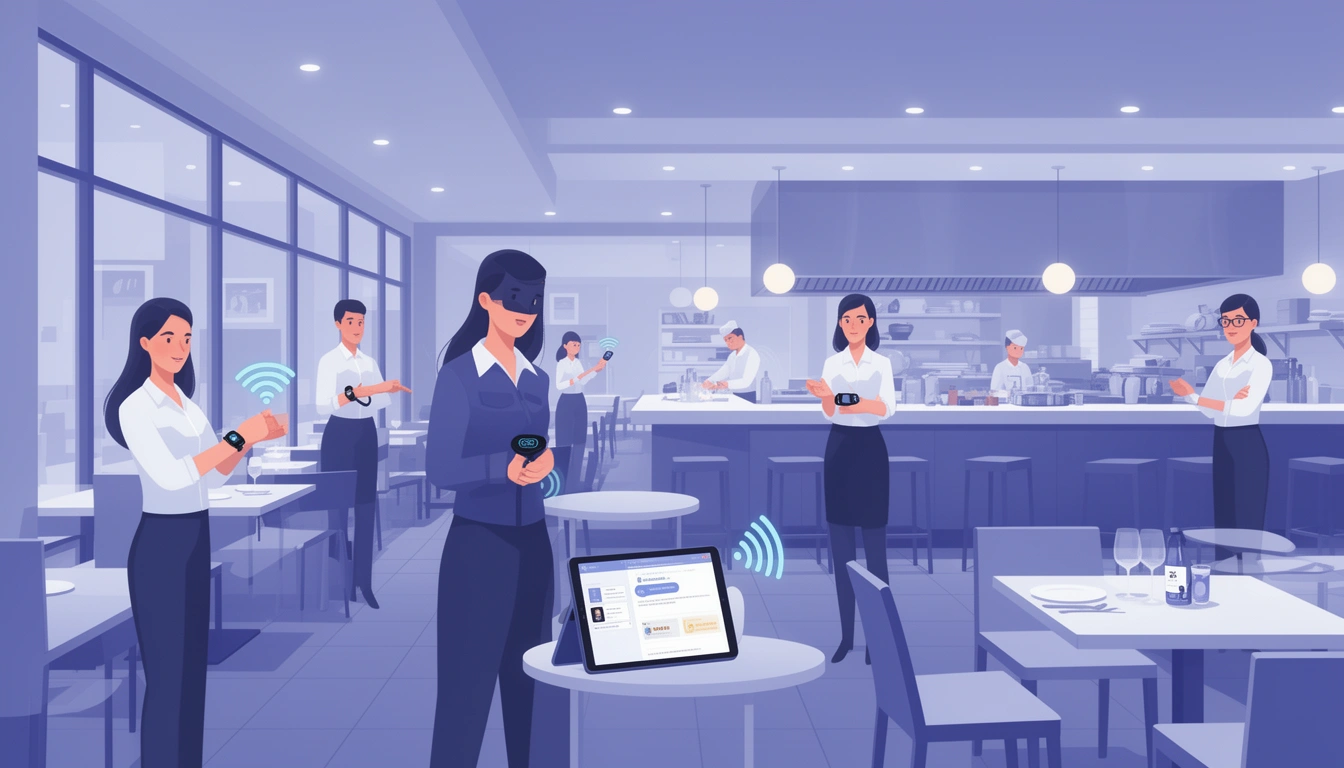
In the fast-paced world of restaurant operations, efficient communication between front-of-house and back-of-house staff can make or break your service quality. A staff paging system is a game-changing technology that streamlines internal communications, reduces chaos, and ensures your team operates like a well-oiled machine. Let's explore how this technology can transform your restaurant operations in 2026.
What Is a Staff Paging System?
A staff paging system is a communication tool that allows managers and team members to instantly notify specific staff members or groups when their attention is needed. Unlike customer paging systems that alert guests when their table is ready, staff paging systems focus on internal team coordination whether it's alerting servers that an order is ready, notifying managers of issues, or calling specific staff members to different areas of the restaurant.
Modern staff paging systems have evolved from simple vibrating pagers to sophisticated digital solutions integrated with restaurant billing software and kitchen management systems.
Why Your Restaurant Needs a Staff Paging System
Eliminate Kitchen Chaos
Traditional methods of calling out "order up" or shouting across the kitchen create noise pollution and confusion. Staff members might miss critical notifications, leading to delayed service and cold food. A paging system ensures every team member receives their alerts directly, reducing miscommunication by up to 80%.
Improve Order Accuracy and Speed
When servers receive instant notifications that specific orders are ready for pickup, they can prioritize accordingly. This reduces the time food sits under heat lamps and ensures customers receive their meals at optimal temperature and quality. Restaurants using integrated paging systems report 25-30% faster table turnover rates.
Enhance Staff Productivity
Instead of servers constantly checking back with the kitchen or managers wandering the floor looking for specific team members, a paging system allows staff to focus on their core responsibilities. When they're needed, they'll know immediately no wasted steps or time.
Reduce Staff Stress
A chaotic work environment leads to stressed employees and high turnover rates. By creating clear communication channels, staff paging systems contribute to a calmer, more organized workplace where everyone knows their role and responsibilities.
Types of Staff Paging Systems
Traditional Pager-Based Systems
These systems use physical pagers that vibrate, beep, or display messages when staff members are needed. While reliable, they require dedicated hardware and can be costly to maintain and replace.
Smartwatch and Wearable Integration
Modern solutions integrate with smartwatches and fitness trackers, allowing staff to receive notifications on devices they already wear. This approach reduces additional hardware costs and feels more natural to tech-savvy employees.
Mobile App-Based Systems
The most advanced staff paging systems use smartphone apps that connect directly to your restaurant's POS and kitchen display system. These solutions offer rich notifications, two-way communication, and detailed message logs for accountability.
Integrated POS Solutions
Platforms like Digital Eatery build staff paging capabilities directly into their comprehensive restaurant management system. This eliminates the need for separate hardware or apps, creating a unified communication ecosystem across your entire operation.
Key Features to Look For
Multi-Channel Notifications
Your system should support various notification types vibration, sound, and visual alerts to ensure staff members receive messages regardless of the environment's noise level.
Group and Individual Messaging
The ability to page individual staff members or broadcast to entire groups (all servers, all kitchen staff, management team) provides flexibility for different communication needs.
Priority Levels
Not all messages are equally urgent. Look for systems that allow you to assign priority levels so staff can distinguish between routine notifications and critical alerts requiring immediate attention.
Integration Capabilities
The best staff paging systems integrate seamlessly with your existing technology stack, including POS systems, kitchen displays, and online ordering platforms. Digital Eatery's online ordering system automatically notifies kitchen staff when new orders arrive, creating a seamless workflow.
Message History and Analytics
Advanced systems maintain logs of all communications, allowing managers to review response times, identify bottlenecks, and optimize staff performance based on data rather than assumptions.
Implementing a Staff Paging System: Best Practices
Start with Clear Communication Protocols
Before implementing any technology, establish clear guidelines about when and how the paging system should be used. Define what constitutes an urgent page versus a routine notification to prevent alert fatigue.
Train Your Team Thoroughly
Invest time in comprehensive training sessions. Every team member should understand how to receive notifications, respond appropriately, and use the system to contact others when needed.
Begin with a Pilot Program
Test your staff paging system during slower shifts before rolling it out during peak hours. This allows your team to become comfortable with the technology without the pressure of a full dining room.
Gather Feedback and Iterate
Regularly solicit feedback from your staff about what's working and what isn't. They're the ones using the system daily and will have valuable insights about improving workflows.
Monitor and Optimize
Use the analytics provided by your paging system to identify patterns. Are certain staff members consistently slow to respond? Are there times when pages go unanswered? This data helps you refine your processes continuously.
Cost Considerations and ROI
Traditional paging systems can cost anywhere from $500 to $3,000 for initial hardware, plus ongoing maintenance and replacement costs. App-based solutions typically charge $20-50 per month per location.
However, the ROI is compelling. Restaurants implementing staff paging systems report:
15-25% reduction in food waste from orders sitting too long
20-30% improvement in table turnover rates
10-15% decrease in staff labor costs through improved efficiency
Significant improvements in customer satisfaction scores
Reduced staff turnover due to decreased workplace stress
For a mid-sized restaurant serving 200 customers daily, these improvements can translate to an additional $50,000-$100,000 in annual revenue while reducing operational costs.
Staff Paging Systems for Multi-Location Restaurants
If you operate multiple restaurant locations, consistency in communication becomes even more critical. Digital Eatery's multi-location management allows you to implement standardized paging protocols across all your establishments while maintaining location-specific customization.
Multi-location benefits include:
Centralized training materials and protocols
Cross-location performance benchmarking
Simplified onboarding for staff transferring between locations
Consolidated analytics across your entire restaurant group
Integration with Customer-Facing Systems
The most powerful implementations connect staff paging systems with customer-facing technologies. For example, when integrated with a waiter calling system, staff can receive immediate notifications when customers at specific tables need assistance.
This creates a responsive service environment where customer needs are addressed within seconds rather than minutes, dramatically improving the dining experience and encouraging repeat visits.
Future Trends in Staff Paging Technology
As we progress through 2026, staff paging systems are becoming increasingly sophisticated:
AI-Powered Predictions: Systems that anticipate when staff will be needed based on order patterns and historical data
Voice-Activated Communications: Hands-free paging using voice commands in the kitchen
Augmented Reality Integration: Visual overlays showing staff exactly where they're needed in the restaurant
Automated Task Assignment: Intelligent systems that automatically assign tasks to available staff members based on their current workload and location
Choosing the Right Solution for Your Restaurant
When evaluating staff paging systems, consider your specific needs:
Restaurant size: Smaller cafes might need basic notifications, while larger establishments require sophisticated zone-based paging
Budget: Determine whether standalone hardware or integrated software solutions make more financial sense
Existing technology: Choose systems that complement rather than complicate your current tech stack
Staff technical proficiency: Consider your team's comfort level with technology when selecting interfaces
Scalability: Ensure your solution can grow as your business expands
Conclusion
A staff paging system is no longer a luxury it's a necessity for restaurants serious about operational efficiency and customer satisfaction in 2026. By enabling instant, reliable communication between team members, these systems reduce errors, accelerate service, and create a more pleasant work environment for your staff.
Whether you choose a standalone paging solution or opt for an integrated platform like Digital Eatery that combines staff paging with POS, kitchen display, and customer management capabilities, the investment will pay dividends in improved service quality and profitability.
The restaurants thriving in today's competitive landscape are those that embrace technology to empower their teams. A staff paging system is one of the most impactful tools you can implement to transform your operations and deliver the exceptional experiences that keep customers coming back.
Published with LeafPad